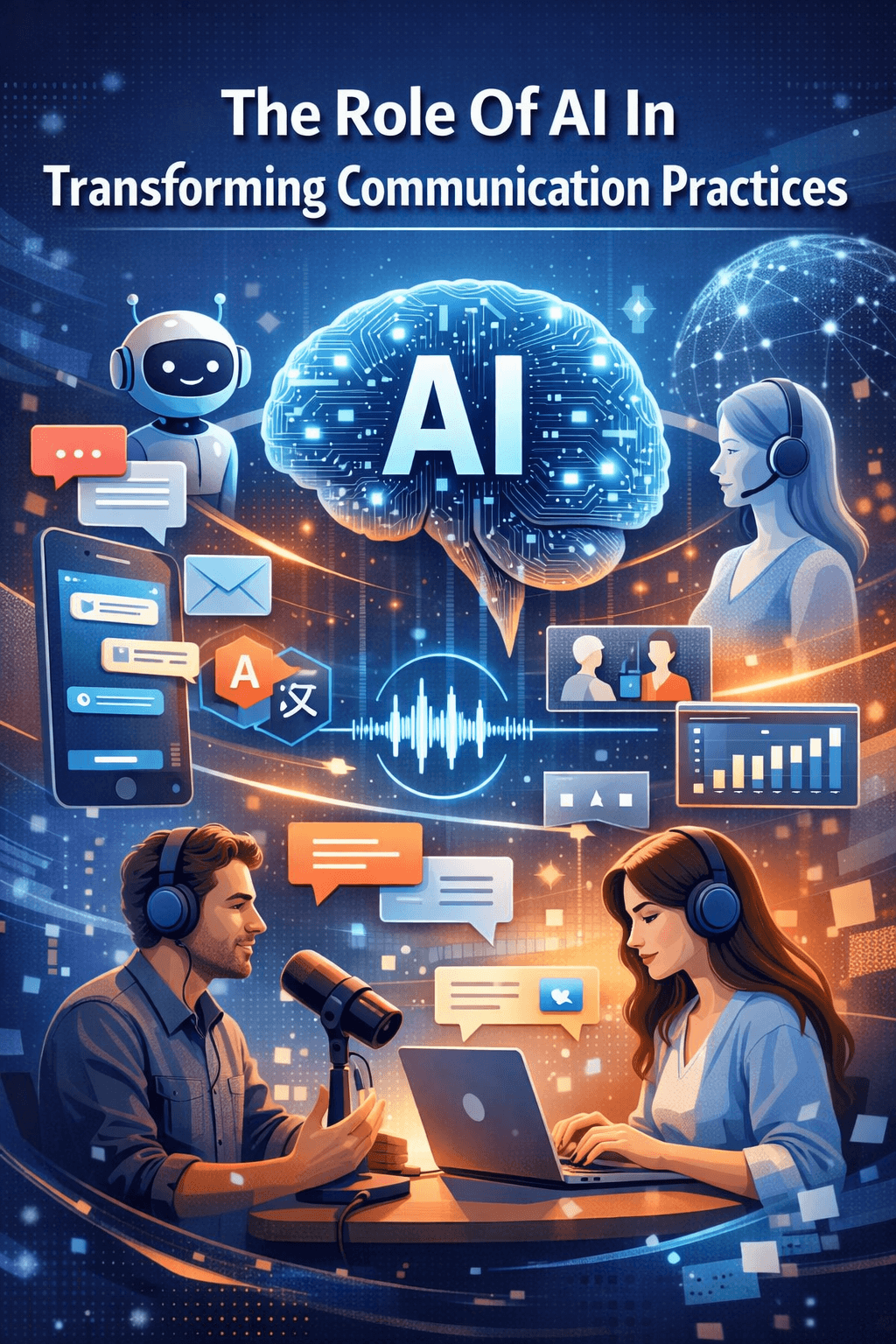
Artificial Intelligence (AI) has shifted from being a futuristic buzzword to something that’s changing how we interact every day. Communication, in particular, is getting a massive boost thanks to smart algorithms and automated systems.
Whether it’s talking with a voice assistant, translating on the fly, or managing business chats powered by AI, how we connect is evolving to be smoother and more efficient than ever. I’m here to break down where AI fits into the communication puzzle and why these changes matter.
The Switch Up Toward AI-Powered Communication
Communication whether personal or business-focused has seen huge changes as AI tools evolved. What started with basic chatbots now covers all sorts of digital connections, including real time translation, auto-replies to emails, and team tools that help collaboration flow better. I’ve watched teams I work with use AI powered software every day to save time, cut down on mistakes, and get people connected faster than ever before.
The growth is easy to notice if you look at data. According to Gartner, over half of workers will rely on AI assisted tools daily by 2025. This wave shows AI isn’t just a trend; it’s quickly becoming the standard for sending and receiving information.
Although AI traces its roots back decades, recent user-friendly tools now offer benefits to everyone, from small business owners to students and families staying in touch worldwide.
The Best AI Tools For Speech Writing
How AI Gives a Boost to Everyday Conversations
AI tools are already embedded into the communication tech most of us use every day. From smart text predictions to writing full emails, these systems help us get our point across faster with fewer slipups. Here’s a list of some practical terms tied to AI powered communication:
- Natural Language Processing (NLP): Means machines can understand and respond to human language in a way that feels like a real chat.
- Speech Recognition: Converts spoken words into text. This is why we can use voice assistants, dictate notes, or send handsfree messages.
- Real Time Translation: Instantly turns words or documents from one language to another, making global chats more friendly.
Personally, I use voice-to-text for notes all the time, and it’s so much speedier than typing everything out. The AI in my messaging app even catches my typos or fills in words when I’m stumped.
Jump-Start Guide: Making the Most of AI Communication Tools

If you’re curious about adding more AI powered tools into your daily life, here are some steps to smooth the way:
- Pick the Right Tools: Go for apps or programs with honest reviews and helpful features like auto translation, smart replies, or integrated scheduling.
- Get to Know the Functions: Spend some time checking out built-in tutorials and help sections. Most tools offer demos to help users get comfortable.
- Layer in Security: It’s smart to check privacy settings, permissions, and how your data is used or stored.
- Adapt for Your Workflow: Try out features like voice input on your commute or set up automated meeting notes during calls.
- Keep Iterating: AI gets better the more you interact with it. Teach it your common phrases, make tweaks, and always look for updates that add improvements.
Giving yourself room to experiment makes a big difference. I’ve found that the more familiar you get, the more helpful and tailored these systems become.
How To Use Generative AI To Improve Communication Skills
Important Things to Think About Before Relying on AI for Communication
Jumping into AI for messaging or team chats comes with some challenges. Here’s what I recommend keeping an eye out for:
- Accuracy Issues: Sometimes AI messes up—like misreading slang, context, or tone. Double-check important messages before sending them.
- Privacy and Data Protection: Check how the app handles your messages. Use only those with clear privacy policies and transparent data use.
- Dependence on Internet: Most cloud-based AI tools need solid connections to work well. Offline or local processing options can be a lifesaver when the internet’s spotty.
- Accessibility: Not every tool covers every accent, dialect, or language perfectly. Try out speech or translation features to make sure they fit your needs.
Accuracy Issues
Like most people, I’ve had my fair share of autocorrect fails. On a more serious note, poor translations and misunderstood voice commands can cause mix-ups. For important stuff, it’s safer to scan through before hitting send.
Privacy and Data Protection
With anything sensitive, whether it’s private convos or work emails, I always take a moment to look over the privacy policy and update my settings when needed. Tools that encrypt messages or let me delete old data offer more peace of mind in the long run.
Dependence on Internet
If you’re somewhere remote, certain AI features may slow down or pause. That’s why offline modes or apps that process data right on your device can be super handy.
Accessibility
Since no single AI platform covers every language and accent, I suggest running a quick trial—especially if you have a unique accent or writing style.
Keeping these tips in mind can help you use AI communication tools in ways that are reliable, safe, and genuinely useful.
AI Tools For Public Speaking And Effective Articulation
Tips for Getting More Out of AI Communication
Once you’re comfortable with the basics, here’s how you can turn up the usefulness of AI powered communication:
Customize Responses: Adjust canned responses and chatbot replies to suit your style so things feel natural, not robotic.
Integrate with Other Apps: Most AI tools can link up with calendars, project boards, and documents to keep everything synced up which means fewer tabs and smoother workflows.
Test Voice Input: Use voice instructions and jot down quick notes. Over time, this helps the system learn your style and get more accurate.
Experiment with Automation: Set up AI assistants to schedule meetings, ping reminders, or sum up long conversations, which frees up a surprising amount of time.
Setting up these extra features isn’t a hassle. Once they’re rolling, your day-to-day communication gets way more seamless and less repetitive.
Now English Pronunciation Made Simple!
Which AI Communication Tools Should You Check Out?
People often ask which tools are truly worth adding. Here are a few I’ve used in both work and personal life that really stand out:
- Grammarly: Goes way past spell checking with AI powered tips for tone, clarity, and picking the right level of formality.
- Google Translate: Offers real time typing or speaking translations. It’s perfect for travel or chatting with friends from other countries.
- Slack AI: Features that sum up chats, auto-set reminders, and help manage team threads so nothing gets missed.
- Otter.ai: Creates spot-on meeting and call transcripts from voice, making note-taking simpler.
- Microsoft Teams AI: Serves up meeting recaps, live captioning, and helps silence background noise using smart filtering.
That’s just a sample. New apps hit the market regularly. Thankfully, most have free versions or trials, so it’s simple to experiment to see what works best for your needs.
Daily Practice Routine for Public Speaking
Frequently Asked Questions
Here are some of the top questions I get from folks exploring how AI fits into communication:
Question: Does AI ever fully take over human communication?
Answer: AI shines when it comes to routine or repetitive chats and can help make conversations speedier and clearer. It doesn’t really pick up on all the emotional cues or social nuances that humans do. So, it’s a helper not a replacement.
Question: Are AI communication tools pricey?
Answer: Lots of AI tools offer free versions or low-cost plans. If you need advanced features like high-level translations or meeting transcripts, paying for an upgrade might be worth it.
Question: Can AI improve accessibility?
Answer: Definitely. Many apps offer live captions, voice commands, and instant translations, opening doors for folks with hearing impairments or different language backgrounds.
Final Thoughts: Welcoming AI’s Place in Our Connections
AI is making communication easier, quicker, and more open to everyone. From voice assistants to real time translations and smart replies, these tools get rid of hurdles that once slowed us down. The best path is to experiment and pick the features that fit your life and work while always staying alert about privacy. With AI lending a hand, the future of communication is looking better than ever.
If you found this post helpful, don’t forget to share it with a friend who could use a little articulation boost!
Disclosure: If you click on the affiliate links provided in this article and purchase the product, I will receive a commission from the company of the product. You will not pay anything extra for your purchase. You can read the affiliate disclosure for more information.

12 thoughts on “The Role Of AI In Transforming Communication Practices”
As of right now, I have 2 certificates in Gemini and ChatGPT, and I plan to expand my education on them. One of the tools I’m using now is Grammerly and I use it all the time. It’s a great tool to use to improve communication skills. I’ve used Google Translate when people overseas post text in their language.
That’s a strong toolkit already you’re not just learning AI, you’re actively using it to sharpen how you communicate every day. Grammarly and Translate are perfect examples of tech extending your reach while you keep the human touch.
It’s actually reshaping the strategy of how we talk to one another. I particularly liked the point about AI helping to bridge language barriers and tailor messages to specific audiences.
As AI becomes more adept at mimicking human tone and empathy, how can new bloggers ensure they are developing a unique, ‘un-copyable’ brand voice that won’t eventually be indistinguishable from a well-tuned algorithm?
Great question! A voice becomes un-copyable when it’s rooted in your real opinions, choices, and scars things an algorithm can remix, but never live.
I’ve been using simple AI tools mostly for writing support and organizing ideas, so reading this made me think more about how much they already influence the way we communicate without us even noticing.
I like the idea that AI can help people express themselves more clearly, but I also feel it’s important to keep our personal voice and not rely on it too much. I’m curious — do you think AI will eventually help people become better communicators, or could it make us depend on tools instead of developing our own skills? It’s an interesting balance to think about.
I think AI can absolutely help people become clearer communicators. if it’s used as a coach, not a crutch.
The real growth happens when we reflect on what it suggests and still shape the message in our own voice.
Great insights — AI really has shifted from a novelty to something most of us use daily, often without even thinking about it. Tools like voice-to-text, predictive typing, and real-time translation have made communication faster and more accessible, especially across language barriers.
In my experience, AI can boost clarity and productivity, but there’s always a balance to strike so communication doesn’t lose its human tone or authenticity. Do you think future AI tools will get better at preserving personal voice, or will users need to be intentional about adding that human touch themselves?
Future AI will likely get better at mimicking personal style and tone through adaptive learning, but authenticity isn’t just pattern recognition.
This article highlights how AI is reshaping communication in practical, everyday ways. I especially appreciate the balance between embracing innovation and staying mindful of privacy and overdependence. As AI tools become more advanced, how do we ensure we’re strengthening our own articulation skills instead of outsourcing them? And what habits can help us keep our authentic voice while leveraging smart technology?
Use AI as a drafting assistant not a replacement by first articulating your thoughts independently, then refining with tools, and regularly practicing speaking or writing without prompts to keep your skills sharp.
It is fascinating how quickly AI has moved from simple autocorrect to full meeting summaries and live translation, and I agree that it is reshaping everyday communication in practical ways. I have used tools like Grammarly and voice-to-text for drafting ideas, and while they save time, I still find that reviewing tone and intent manually is essential to avoid misunderstandings. In your experience, how can professionals strike the right balance between efficiency and authenticity, and do you think overreliance on AI might gradually weaken core communication skills if people stop practicing them intentionally?
Professionals can use tools like Grammarly and Google Docs Voice Typing for speed, but should always pause to review tone, intent, and personal nuance to keep their voice authentic.